The TOTECS team wish you a happy new 2018! This is sure to be another great year filled with even more online trading, crypto currency intrigue, and further interesting technology coming into peoples and households hands. We are very excited with some of the great things we've got planned for the year, and can't wait to release more new features and improvements into the TOTECS platform to help your business.
To go back to the last quarter of 2017 we released versions 12.01 and 12.02 into the TOTECS platform, offering 1 new feature, 23 improvements and 7 bug fixes. Check out the release video below to see all the goodies you can play with in your websites hosted on the platform.
View all release highlights from start to finish
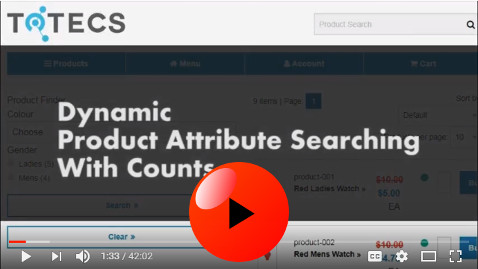
Learn about how product attributes searches can be set up to allow users to quickly find and filter products on your website, dynamically without having to reload a web page.
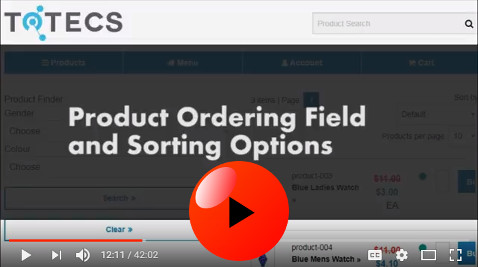
Learn about the new ordering field for products that allows you to individually customise how your products are sorted on your website.
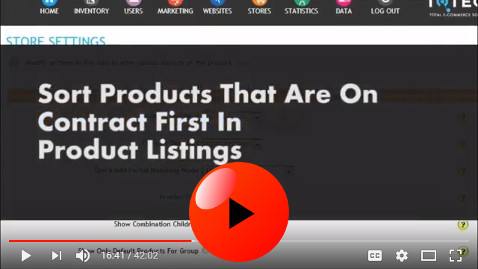
Learn how products can be sorted so that users see products on contract first before all other products on category and product search results listing web pages.
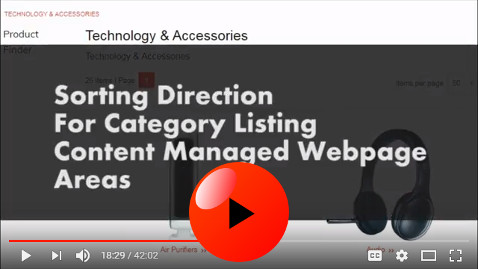
See how the direction that categories are sorted by can be set on each individual Category Listing area on different web pages.
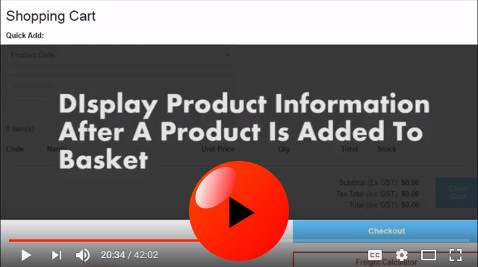
View how different details of products can be displayed after a user has added a product to basket, allowing for interesting and flexible purchasing work flows.
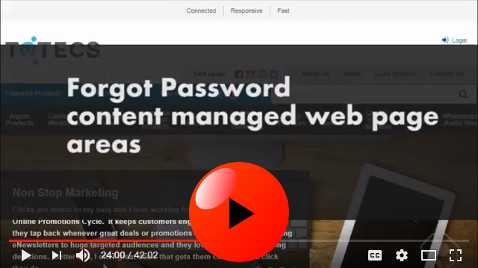
View the new Forgot Password area that can be added to content managed webpages and customised based on your websites needs.
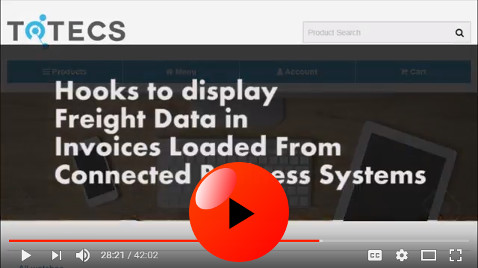
See how different kinds of freight details can be displayed within invoice records retrieved from connected accounting and other business systems. This allows the carrier, consignment number, tracking code, and expected delivery date to all be displayed in invoices.
Learn how tax amounts can now be shown for each product line in Order Confirmation Email notifications.
Check out how users associated to sales representative can be quickly searched on within the Administration Centre, and used in Emarketing and Product Deals.
See how users who have or haven't ordered products in a certain category can be quickly searched on within the Administration Centre, and used in Emarketing and Product Deals.
Learn about the Company Name field that can be set for each user, allowing users to be identified against a company.