Banner Arrow

TOTECS News & Blogs


Banner Image

Release 13.00

TOTECS release image

Over spring of 2018 the TOTECS team to excited to bring you 1 new feature, 9 improvements and 7 bug fixes into the TOTECS platform through the 13.00 release.

Included in this release is the new Zippay payment method that can be embedded within all content managed websites hosted on the TOTECS platform. This allows businesses to offer an "Order Now Pay Later" payment method to customers, where customers can pay no upfront cost for an order, and instead let Zippay initially pay for the order. Businesses still get paid by Zippay upfront, and customers pay Zippay back over a series of smaller regular payments.

Watch the first 3 minutes of the release video to get a brief overview of the great new enhancements we've made in the release, as well as watch in-depth detail on all the important improvements. Also feel free to subscribe to the TOTECS youtube channel to stay in the know, or talk to us on the TOTECS forums

Many happy regards from the TOTECS team.
 

Release Highlights
 

View all release highlights from start to finish


Release Highlights

Learn how to set up Zippay payment type to allow customers to raise orders and pay later using Zippay.


Zip pay Payment Type
 

Learn how invoice credit card payments can be set up to apply a surcharge to the payment.


Invoice Payment Credit Card Surcharges

See how values set in Basket Product Fields by users can be seen in Basket Listing and Order Checkout/Submission content managed web page areas.
 
Displaying Basket Product Feild Values In Basket And Order Web Page Areas
 
Learn how tax-free tax codes can be assigned to order lines when customers have orders delivered to overseas addresses.


Setting tax Free Taxcodes For Orders Shipped Overseas

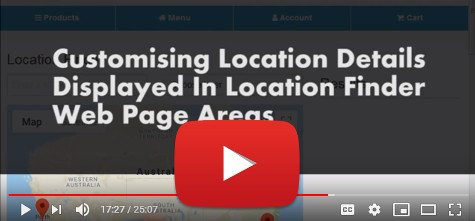
See how administrator users can customise the content of a location that is displayed when clicked on within the Location Finder map.


Customise Location Details

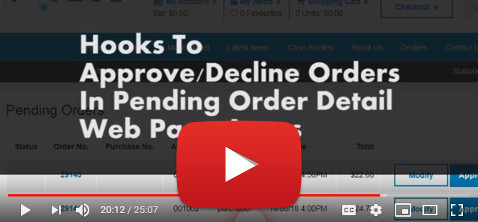
See how Approve and Decline buttons can now be used within the Pending Order Detail content managed web page areas to allows Purchaser Managers and Sales Reps to approve or decline orders that they are viewing.


Hooks To Approve/ Decline Orders In Pending Order Detail Web Page

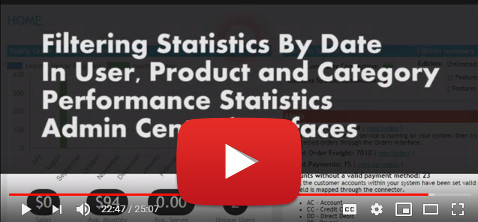
Learn how administrator users can now filter by date range the statistics that display within the Product, Category and User Performance statistics Admin Centre interfaces.
Flitering Statistics By Date In User, Product and Category Performance Stats Admin Centre